Translate the world

Point your camera at an everyday object and Lisso recognizes it, translates it and says it aloud in the language you've chosen. Then it turns the object into a sticker for your Journal.
Over time, your Journal fills with the words you've collected, like a scrapbook of your travels. Revisit it anytime to practice your vocabulary or pronunciation. Want a challenge? In Treasure Hunt mode, choose a category and Lisso sends you to find five objects in a row.
Feature 01
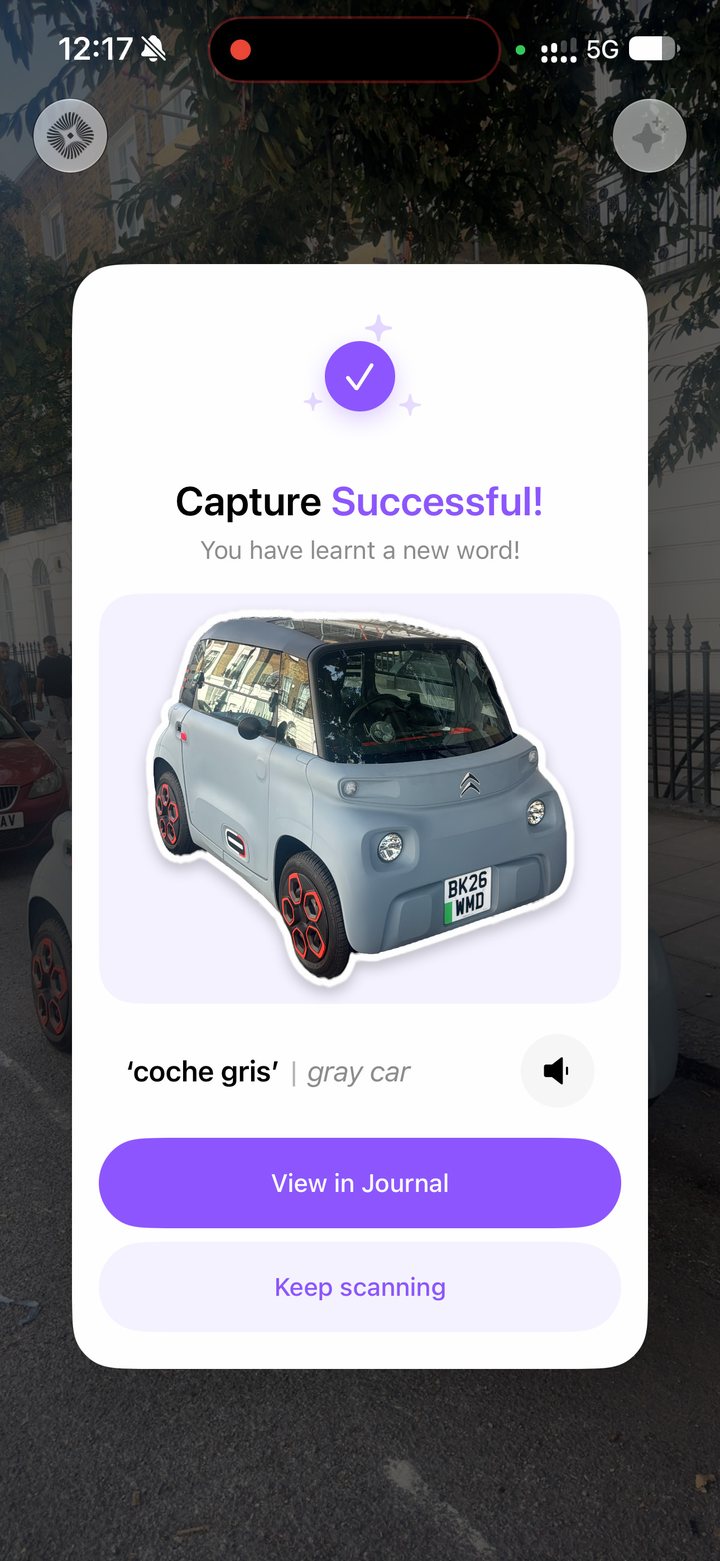
Point your camera at an everyday object and Lisso recognizes it, translates it and says it aloud, then turns it into a sticker.
Feature 02
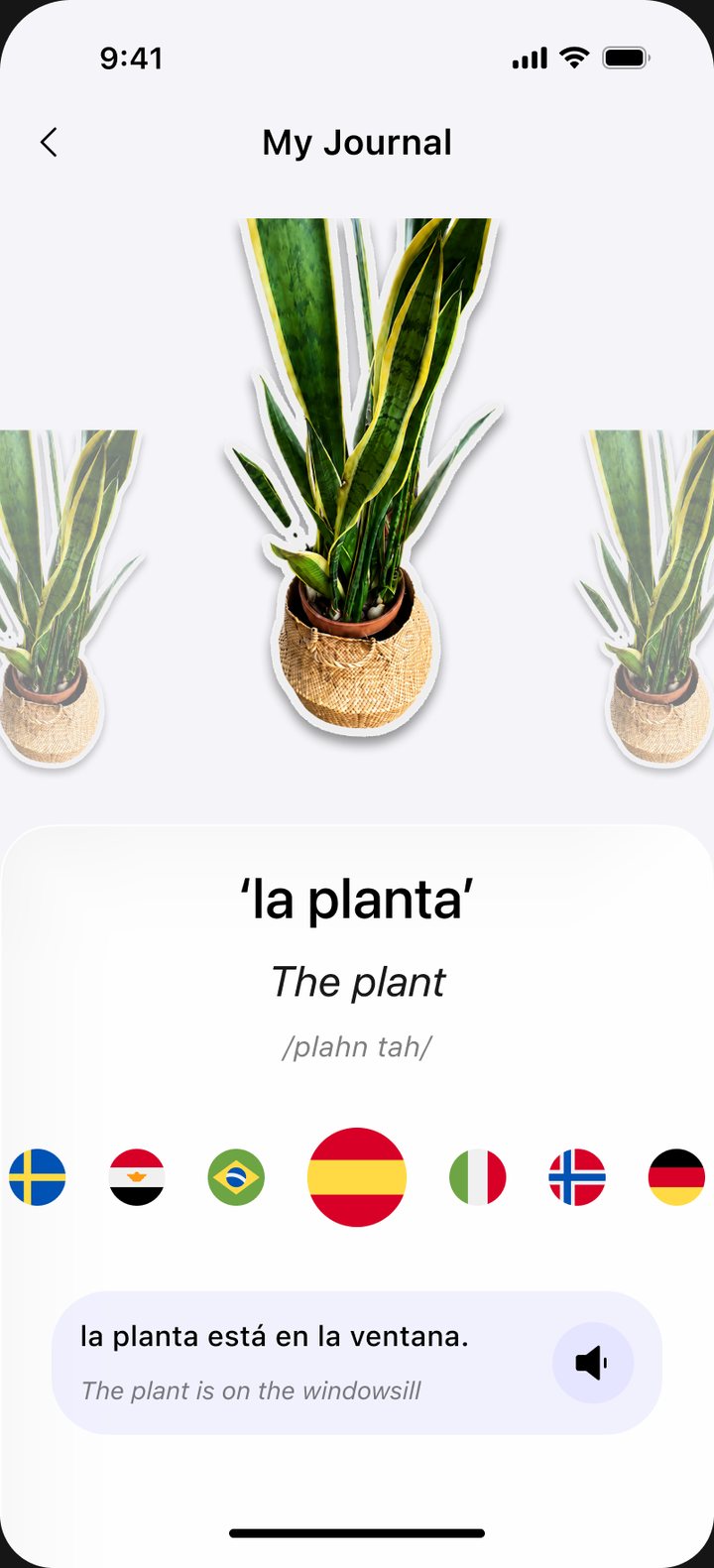
Every word you capture becomes a sticker in your Journal, with its translation, pronunciation and an example sentence to practice anytime.
Feature 03
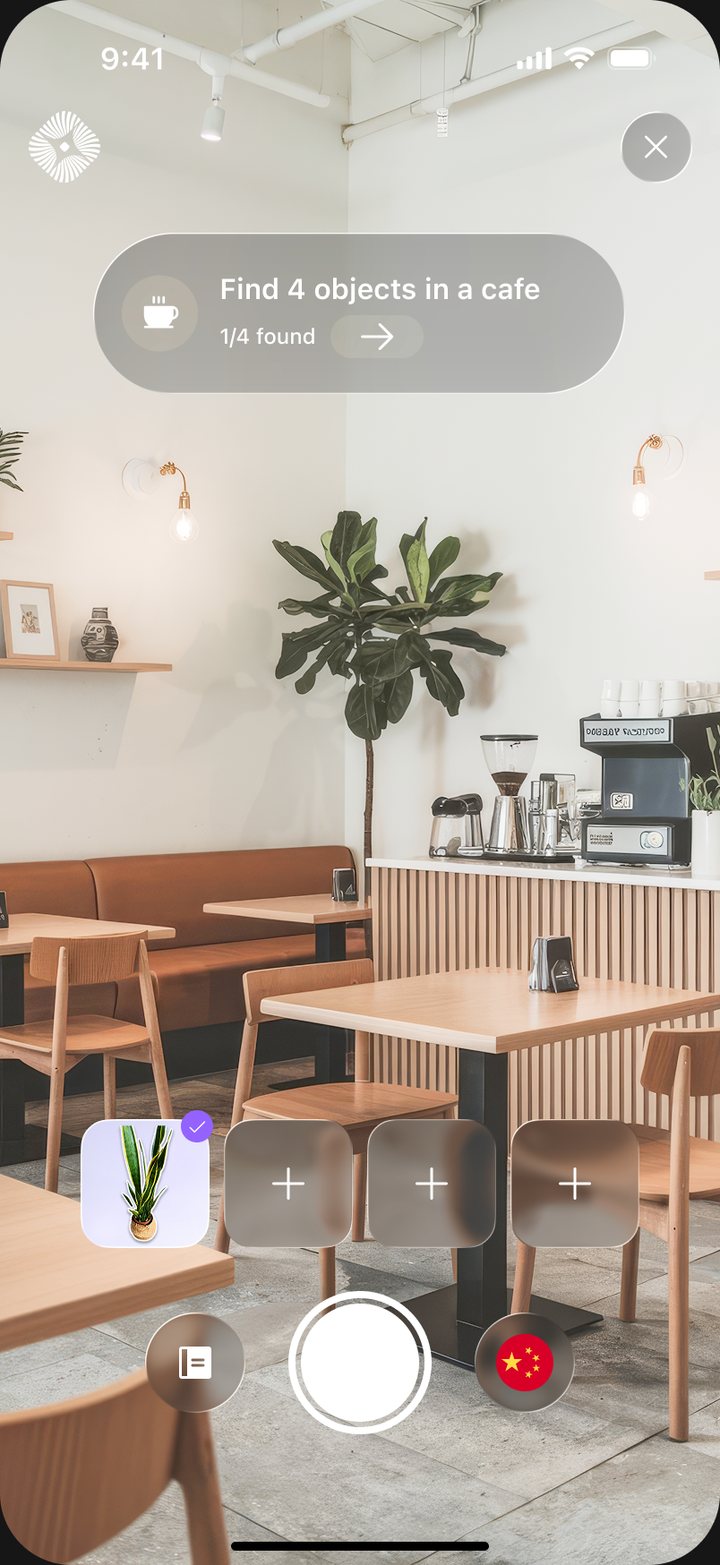
Choose a category and Lisso sends you to find a set of objects in a row, like four things in a café.
Lisso works in dozens of languages, whether you're exploring a new city or learning from your own kitchen.
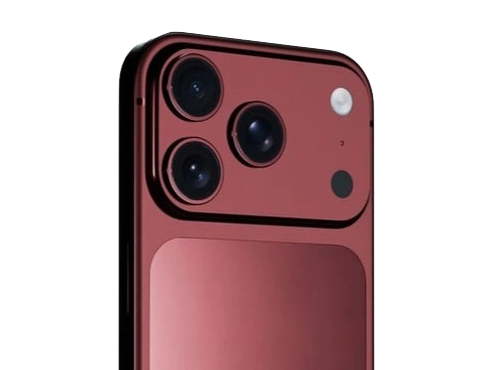
Coming Soon
Lisso was built for iOS, working across iPhone, iPad and the iPhone Duo.
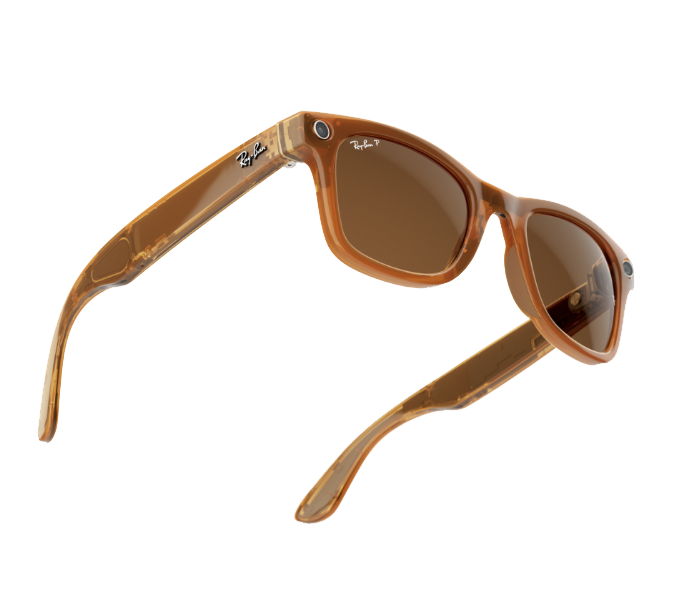
Coming Soon
We're working on making Lisso hands-free. You'll be able to translate objects using the Meta Ray-Bans soon.
Lisso is built entirely on Apple’s own technology, as a native app for iOS 27. It uses tools new to iOS 27 to recognise the objects you point your camera at and turn them into stickers, and Apple’s Foundation Models, running on your iPhone or through Apple’s Private Cloud Compute, translate them into your chosen language. There are no accounts, logins or third-party services: your Journal stays on your device, and stickers you save go only to your own photo library.
We care about your privacy.